

Welcome to This Month in Urbit, our series for sharing recent happenings from around the Urbit network. To fully participate, you will need to know how to run an Urbit ship. If you don't know how to do that yet, point your favorite AI agent at this page and it will help get you started. Or check out the getting started documentation to do it the old-school way.
This guide is written to be human-friendly, allowing you to follow along and learn something new. Embedded in this page are also instructions for your agent; share the link and your agent should help you through getting the enclosed items up and running. The AI landscape is fast-moving and variable, so we can't guarantee everything will work smoothly, but we try to test across various models and agent harnesses. If you or your agents ever get stuck, just give a shout in The Urbit Foundation group on Tlon Messenger and we'll help you out.
July Quickstart
This month, there is a variety of Gall applications to play with; as always, you can get the latest runtime by running:
curl -fsSL https://urbit.org/get-runtime.sh | sh
If you want to boot a fresh ship with the July TMIU pill, we recommend using a moon. To get a moon networking key, just run |moon in your planet's dojo. You can do this from the webterm on a Tlon-hosted planet. Then boot your moon with the July TMIU pill:
urbit -w <moon-name> -G <moon-key> -u https://s3.us-east-1.amazonaws.com/urbit.orgcontent/tmiu-pills/tmiu-july.pill --http-port 8899
(If you don't have moon keys, replace the moon args with -c tmiu-july-comet to just get started with a comet.)
Directed Messaging is live
Released on July 14, 2026, 408k is a monumental update. It implements the "Directed Messaging" project across the entire Urbit network. In short, this upgrade increases bandwidth across the network by implementing the "Named Data Networking" (NDN) protocol natively over Urbit. This networking model uses a "request<>response" design, leans on Urbit's scry namespace, and creates a "content-centric" network where recipients request named data, rather than data from particular sources.
The update is rolling out in two phases: the initial 408k release makes it available and allows it to be manually toggled on. To do so, first run:
+vats %base, =verb %.y
This will return your base hash. At the time of writing, it is:
0v1p.bbmmr.fqrkl.bb9jn.g40no.3pddu.tbege.7g2k4.rm02c.a628h.j24nv
Then run:
:hood &ahoy-set-hash 0v1p.bd1ud.hribk.6619t.70jni.n06f4.9il00.voegf.kh8i9.8se4n.124s8
Even if your base hash is different, e.g. j24nv use the command ending in 124s8 to enable Directed Messaging.
The next release, 408k-1, will turn Directed Messaging on for all users. Follow along on the blog next month to learn more about the Directed Messaging project and what to expect from its rollout across the network.
Self-documenting ships are re-shipped
As Gall apps were refreshed for the 408k release, ~tinnus-napbus took the opportunity to update—and massively upgrade—the %docs app. You can install it by running:
|install ~pocwet %docs
In his words, "The release includes a complete responsive redesign, improved typography and navigation, Markdown/GFM support, multi-language syntax highlighting, light/dark/system themes, fast lazy-loaded Eyre caching, and configurable public documentation for selected desks."
Also released alongside the application itself are "Mortar", syntect-urwasm, and urbit-markdown to support desk assembly, syntax highlighting, and Markdown parsing. urbit-markdown in particular is built on top of ~wispem-wantex's Markdown library, but with strict adherence to GitHub-flavored Markdown.
For end users, %docs offers a location on your ship, /docs, where you can find developer-provided documentation for any of the applications installed on your ship. If you are a developer, all you need to do is add Markdown files to /doc in your desk, and the %docs agent will pull them into each user's instance and publish them via Eyre. To learn more, such as how to push docs for a given desk to the clearweb, install %docs and visit <your-ship>/docs/d/docs/overview.
Exploring files beyond docs

As data transfer speeds increase across the network, perhaps your ship will become a place where you store ever more files to share with your friends. While we expect more bespoke or polished solutions to arise as exact use cases come to light, ~lagrev-nocfep has revitalized %cliff from the ~paldev suite, making it available across the network alongside the 408k update:
|install ~magbel %cliff
A simple but useful tool, %cliff is a Clay file explorer. It is great for looking at the desks across your ship without needing to |mount anything to your UNIX host and is particularly helpful if you don't have access to said host machine. That said, it is possible to edit files via Clay as well, so buyer beware—particularly if you are using a hosted ship and aren't sure exactly what you are doing.
As an improvement to ~palfun-foslup's original %cliff, the version currently distributed by ~magbel includes functionality for setting the publication level of a given file or directory in Clay, allowing the whitelisting and blacklisting of individual ships or group lists.
Noun Visualization and Hoon notebooks
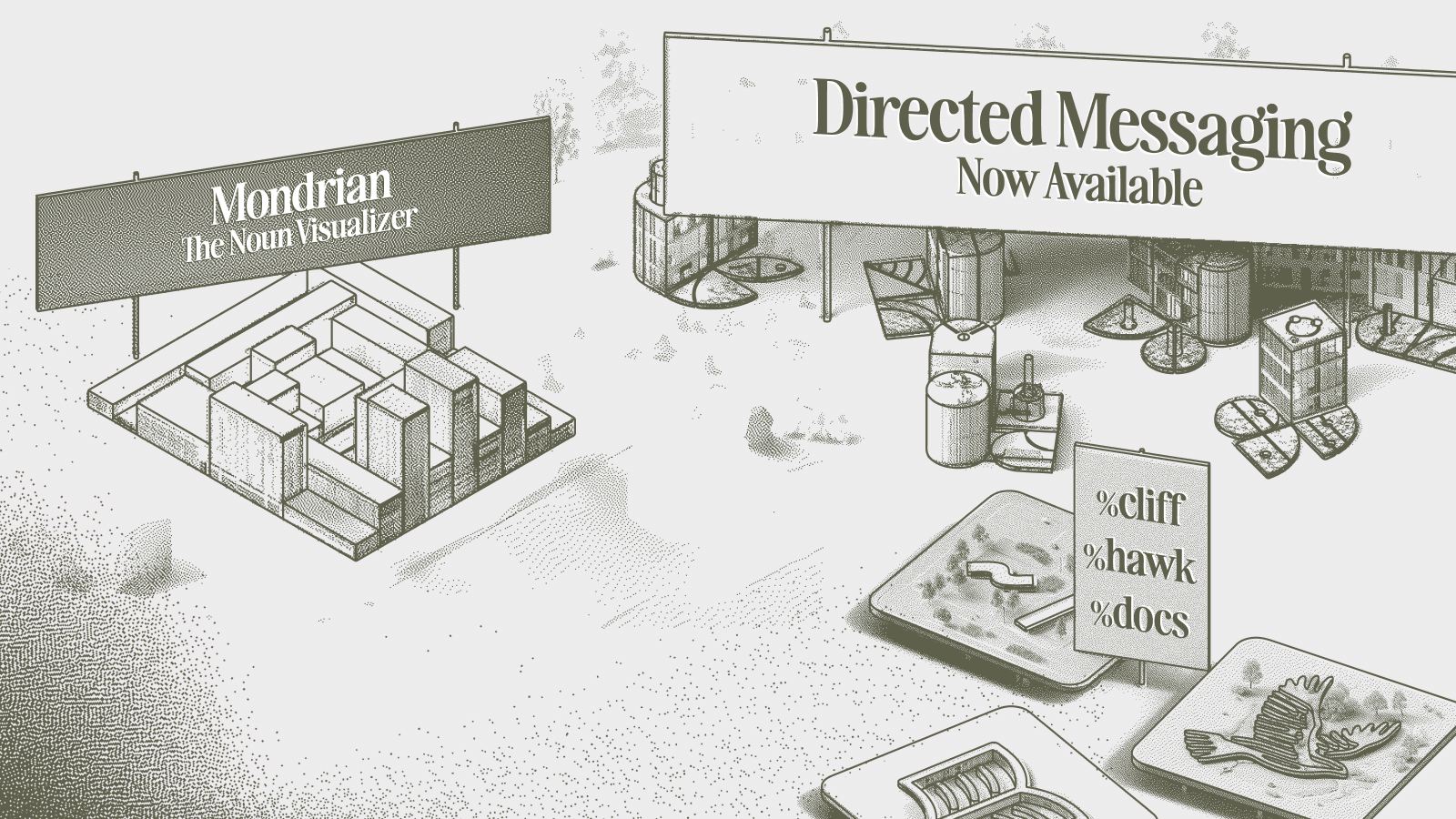
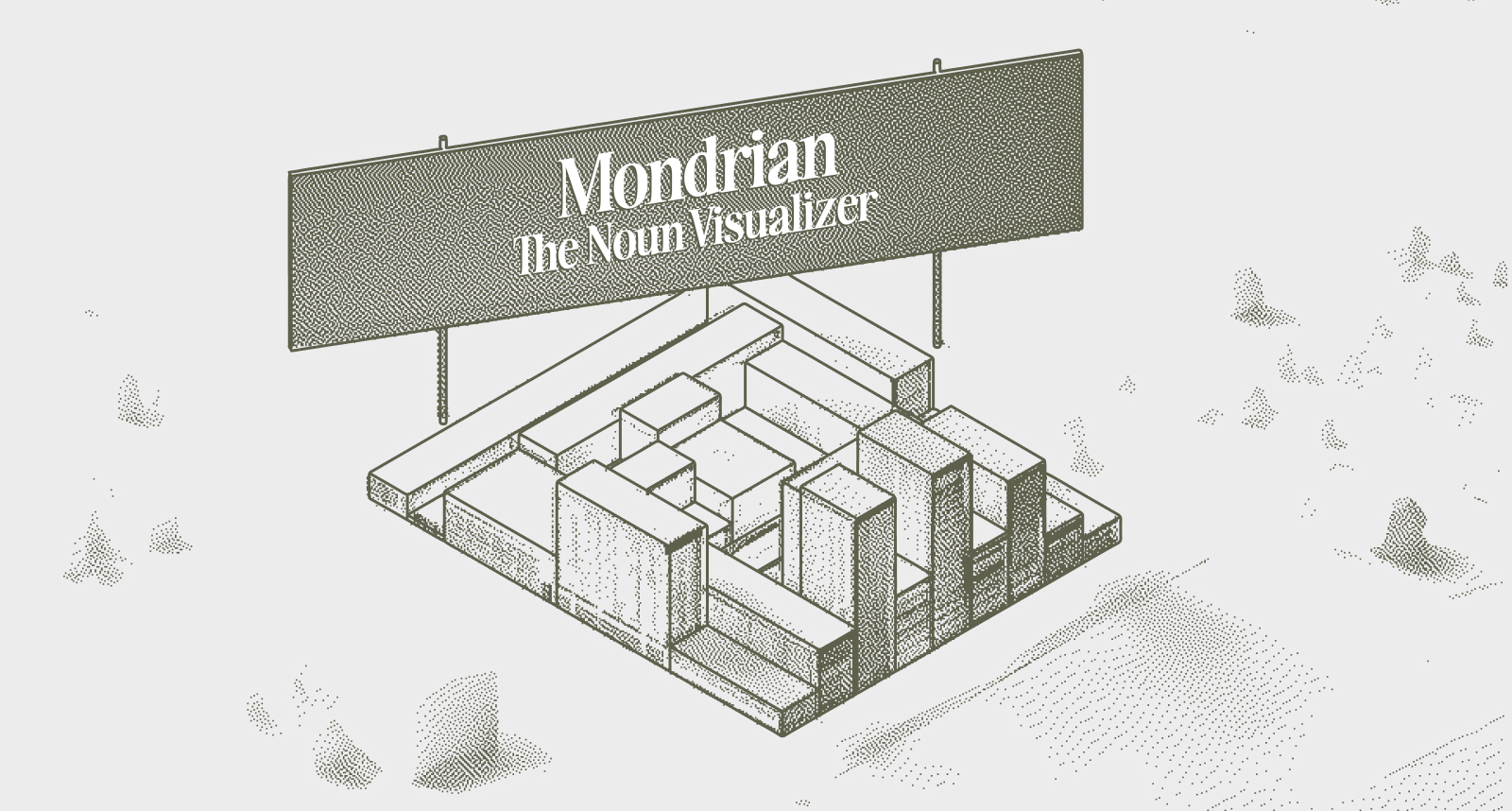
Not to be relegated to just updating existing software, though, ~lagrev-nocfep also shipped two original works in the past month. "Mondrian" is what could probably best be described as a fun "art project" that takes a noun and visualizes it along the lines of a Piet Mondrian painting, or like the recipe cards from cookingforengineers.com.
On the Gall side, he released %caderno, which you can download by running:
|install ~magbel %caderno
Portuguese for "notebook," %caderno is a Hoon notebook. Similar to a Jupyter notebook in spirit, it allows users to publish and share notebooks, with built-in functionality for browsing and forking the notebooks of your peers.
Graphs, also visualized
As a follow-on to his %obelisk project, ~nomryg-nilref built %graph-viz to let users write the DOT "graph description language" to create flow charts, dependency graphs, state machines, and more. You can pick it up from the ~dister moon:
|install ~dister-nomryg-nilref %graph-viz
End users are able to render Graphviz DOT diagrams as SVG entirely on-ship, without a dependency on external services and without any sloppy glue code.
For full documentation and related agent skills, check out the repo on GitHub.
Correction August 5, 2026: An earlier version of this post noted
%obeliskas a dependency for%graph-viz. That was incorrect.
Hawk, revisited
The %hawk project from ~migrev-dolseg has been a community favorite since it was initially released, and this month we are seeing a huge update from %hawk-500 to %hawk-499. For those who don't already have it installed, you can pick it up by running:
|install ~dister-migrev-dolseg %hawk
The Kelvin 499 version of %hawk takes a new approach to enabling composable interfaces and interaction with the various agents running on your ship. Give it a spin and see what you can build!
Need to familiarize yourself with Hoon a bit more before you get going? Check out the Hoon Crash Course from ~migrev-dolseg to start your journey (or refresh your memory).
Tlon is on a tear
Last, but never least, the 800-pound gorilla in the room known as Tlon Corporation released two new features in the Tlon Messenger application: Notebooks and Context Lens.
Now, you might find yourself saying, "I thought Tlon already had notebooks?" Yes and no. The original Tlon "Notebook" was a flat collection of long-form posts. It was useful in its own right, but not always users find themselves storing and interacting with plain-text files. So, in this update, the old notebooks are becoming "Bulletins," and users get a super-powered new "Notebooks" channel type. In the words of ~rilfun-lidlen:
"We originally designed Notebook channels to mimic a blog or a list of articles, meant to distribute formally prepared documents to a group of people. But that's not how people take notes, and it's not how I take notes. My notes are scratchy and incomplete, and meticulously formatting them with a WYSIWYG editor was the last thing I wanted to spend my time doing. True spontaneity and creativity demand as little friction as possible, so the interface needed to accommodate messy working states. There are no cover images, no previews, and no truncation breaks to prepare. Markdown Notebook channels are plainly organized by title, ordered by last-modified time, and nestable within folders."
And it won't go unnoticed that this return of Markdown formatting to Tlon brings with it awesome compatibility with the growing presence of AI agents. If you've got a Tlonbot, just ask it to help you with any of your notebooks and it will be able to read, write, edit, and even publish to the clearweb anything that it has access to. So import your directories full of Markdown notes into your urbit and see what you and your agent get up to with this newfound functionality.
Of course, it's not just "Markdown for your agents" that Tlon is working on. Rather, they are taking a holistic view of how a user actually wants—and needs—to interact with their agents. Tlon's new "Context Lens" feature offers a step change in what is available in terms of interacting with agents via a messenger interface.
As you might expect, your Tlonbot having its own personal server means that the full logs of agent runs get stored on a machine that is yours, so all that useful data (say, if you want to fine-tune a model of your own in the future) belongs to you. But more than that, Tlon has pointed their design sense at the problem of "what do I do when my agent does something unexpected?" Their solution, instead of making you ssh into a remote server (or be one of those people walking around with their laptop cracked open), is to put the details just a single tap away. For each run of your bot, you can tap the context menu to see a summary of its actions—tool uses, model provider info, written files—and even dig into an expanded view for every minute detail that might help you better understand what is going on.
This is a huge improvement for anyone who has tried to use agents via Telegram or iMessage, and when paired with all the other benefits of Tlon Messenger and Urbit, it is clearly the best way to message your agents.


